
ANIMATION TOOLS / 01
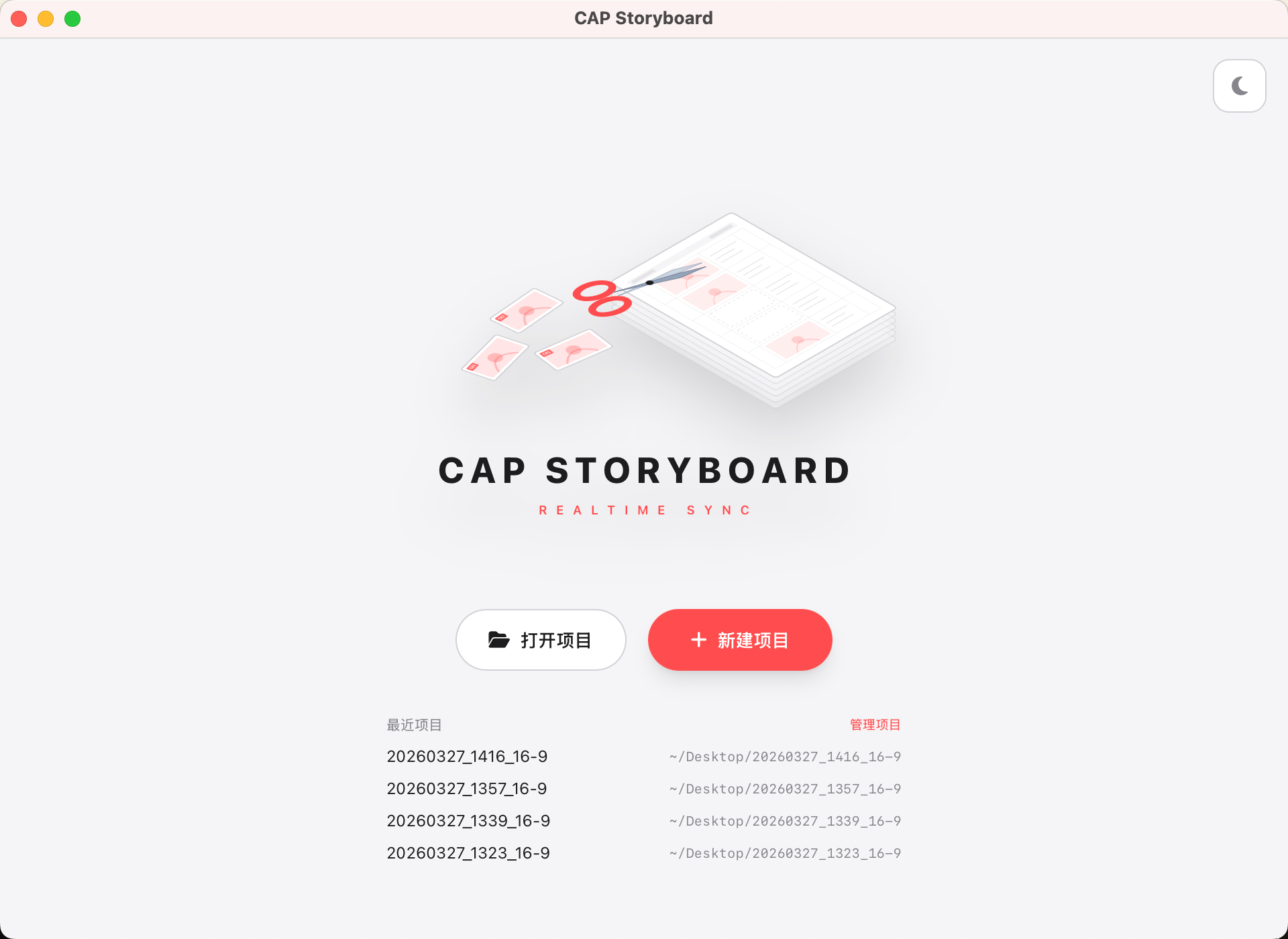
CapStoryBoard
Draw storyboards in Clip Studio Paint. The moment you save, every panel is cut and dropped onto your CapCut (剪映) timeline — in order, timed, ready to scrub.
v0.1.0 · macOS (.dmg) + Windows (.exe) · ONE-TIME ONLINE ACTIVATION, THEN FULLY OFFLINE
IN MOTION
Save in CSP, watch it land.
Every panel, cut and timed onto the CapCut track the instant you save.
HOW IT WORKS
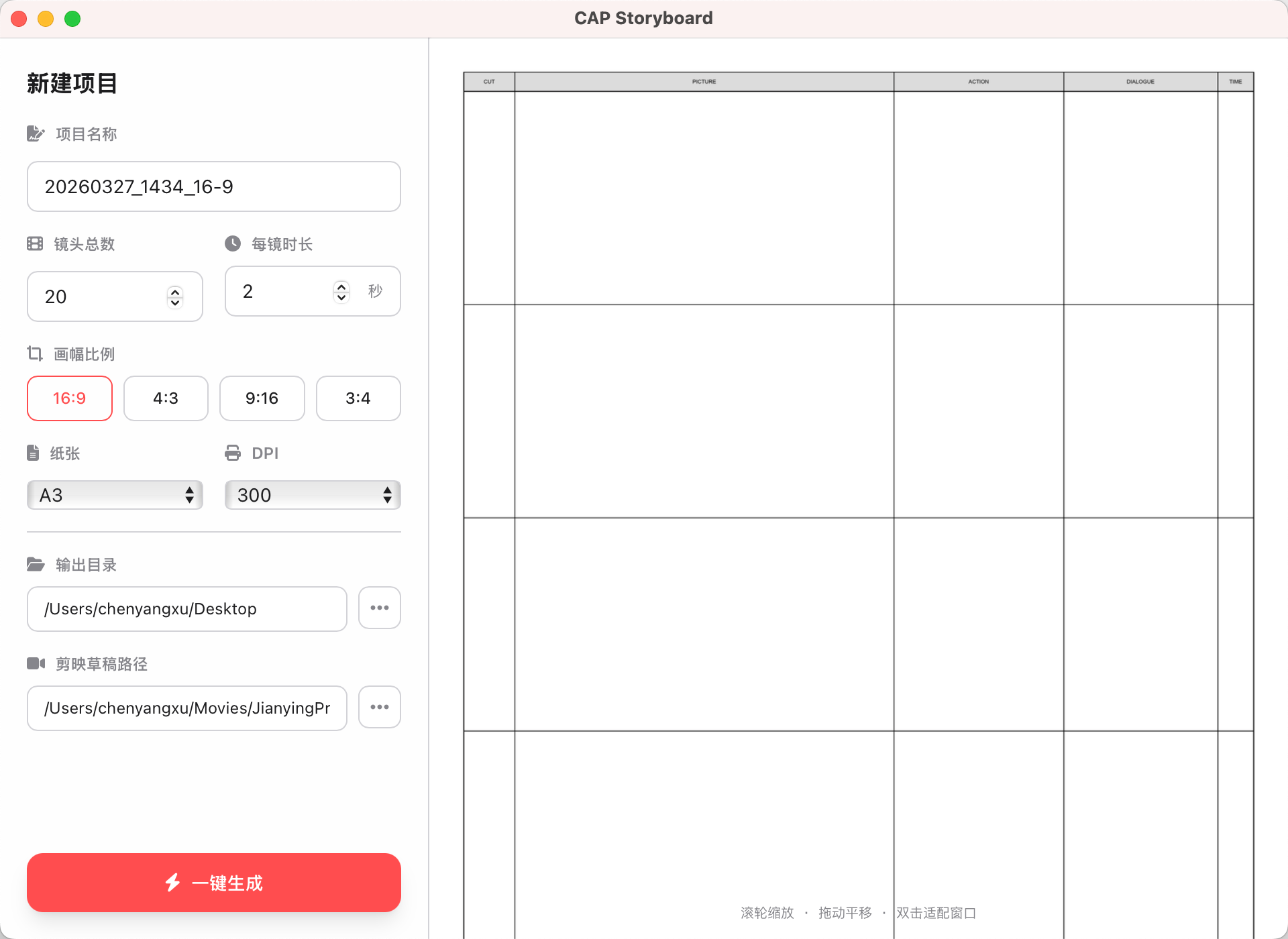
Generate a gridded storyboard PSD — five panels per page.
Draw your boards in Clip Studio Paint, exactly as you always do.
Hit save. CapStoryBoard watches the file and slices each panel to PNG.
It builds a CapCut draft and drops the PNG sequence onto the timeline, in order.
Keep drawing — every save re-cuts and updates the cut. No manual export, ever.
WHAT IT DOES
One-click storyboard PSD
A gridded template, five panels per page — start drawing immediately.
Auto placeholder sequence
Placeholder PNGs are generated so the timeline exists before you draw.
Straight to the CapCut timeline
It creates a 剪映 / CapCut draft and lays the panels in order.
Watches every save
Save the PSD and it auto-crops each panel and updates the PNGs live.
Four aspect ratios
16:9 · 4:3 · 9:16 · 3:4 — pick the frame your project needs.
Mac & Windows
Runs on macOS and Windows (WebView2 on Win).
ACTIVATION / GET A KEY
How to unlock it.
CapStoryBoard is free to use, with a one-time activation so we know who's using it. Keys are issued by hand for now.
-
1
Request a redeem code (it starts with CSB-) — write to us with which platform you use.
-
2
Install and open CapStoryBoard on macOS or Windows.
-
3
Paste the code in the app. It exchanges online once and binds an offline key to your device.
-
4
After that it runs fully offline — no further connection needed.